













Motorola’s Moto Maker service allows users to create a completely custom Moto X and has now added new features to help iPhone users move to the Moto X easily. When you think about changing phones the biggest issue that you face is moving over your contacts and calendars not to mention moving platforms like iOS to Android.
Most iPhone users now have everything backed up to iCloud (Apple’s cloud service for syncing between iOS devices and Macs). This makes it easy for iPhone users to restore data to their phones in the event they need to do so or when buying a new phone assuming its another iPhone. Motorola has realized that this makes it harder for iPhone users to move to Android so they created a migration assistant. This Migration assistant is now part of their Moto Maker and effectively transfers contacts and calendar entries from iCloud(iPhone) to your Moto X.
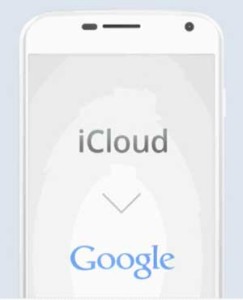 As of right now if you own a customized Moto X the process is very straightforward and easy for even novice of users. Keep in mind that if you buy a carrier specific Moto X this process does not work at the time of this article.
How to transfer contacts and calendar entries from iPhone to the Moto X
- After buying your Moto X on MotoMaker there will be a confirmation page inviting you to use the migrate feature.
- Select “I have an iPhone”
- Next enter your AppleID and iCloud password and continue
- Select “Begin Transfer”
- Login to your Google Account
- Be patient as Migration begins
- Done, its that simple!
Motorola does let you know that some fields will vary slightly between Google and Apple’s iCloud although its a very small difference. You may also see duplicates although Google allows you to easily merge them and in most cases finds duplicates automatically. You will want to go into your Google Contacts and look them over just to see if there is any cleaning you would like to do but shouldn’t take more than a few minutes to clean any inconsistencies you find.
Overall this makes moving from an iPhone to your new Moto X rather easy and may help when making the decision to move platforms a little less stressful. If you weren’t sure you wanted to move because of the hassle of moving your contacts and calendars from iOS to Android I hope this helps in your decision.
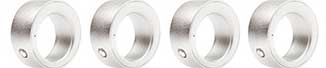
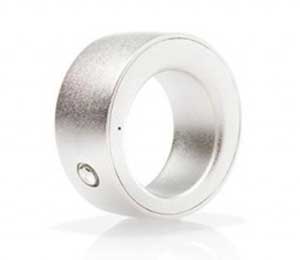 Currently the smart ring allows you to do things like take pictures, control your music player, write a tweet, turn on your television, check the weather and a host of other things that will make the World a bit lazier with a Yoda twist. The Ring connects to your devices via Bluetooth as you would expect.
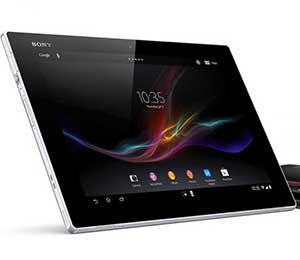 How to Factory Reset the Xperia Z2
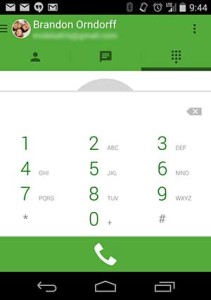 Step 1: Update Google Hangouts to the Most Recent Version
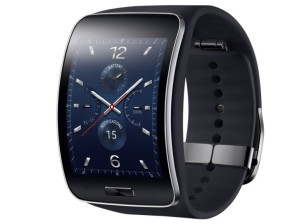 Samsung Gear S Smartwatch Features
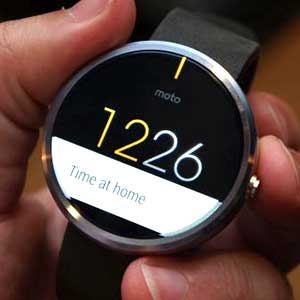 Motorola Moto 360 Specifications
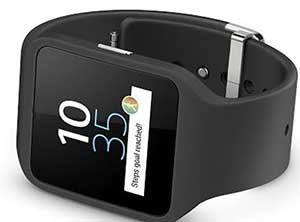
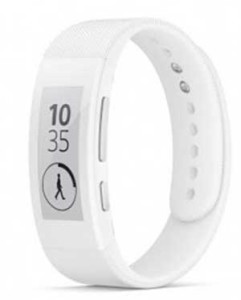 Sony Smartband Talk Specifications
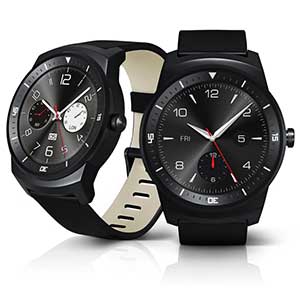 LG G Watch R Features
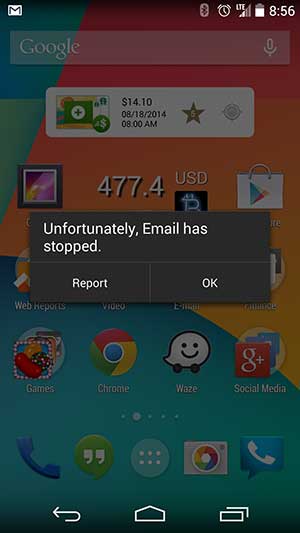 Before you do the complete wipe of the email app you can try to just Force Close the email app and then clear the cache. In some cases we have noticed that is enough to fix the error although if you are still getting the error you should follow the steps below.